No camera was found

You’re most likely running on Mavericks, or El Capitan, are using your mac or a monitor with integrated camera, and keep on getting something along the lines of ‘no camera was found’ messages from Hangout or other web conferencing apps.
Responsive email design framework MJML to the test
DuckDuckGo hacks for developers

DuckDuckGo is by far the best search engine out there. For your own privacy for starters, and also as a great little tool for us dev folks, adept of quick tech & code answers, and geeky little features.
Personal Data Privacy: start off 2017 on the right foot

New year new start. What a great opportunity to start it off on the right foot and greatly improve your behaviour and overall awareness on the personal data privacy subject. You will feel great and you will start breaking the chain!
Create a PDF Compress Automator App
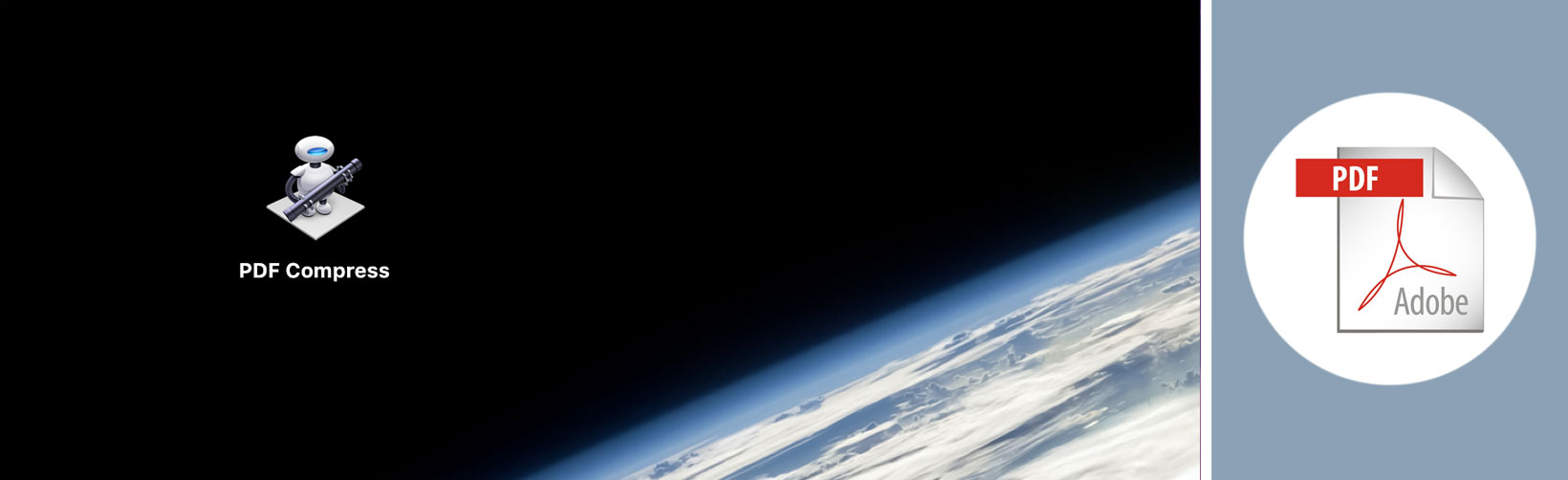
Every time I want to compress pdfs on a new apple machine, I find myself looking for the same (great) posts on the subject, and rarely find the one I’m looking for.
(Our Personal) Data Privacy Matters

(Our personal) Data Privacy is a big deal. If you, like me, get annoyed every time you receive an unwanted newsletter, or feel wary about looking up some specific items while logged in on google, you’ll know what I’m talking about.
Speed up your Salesforce admin search with Sid's Searchbox

If you’re a Salesforce user, especially a developer or admin, you may spend most of your day in the Salesforce setup area, adding and editing apex classes, visualforce pages and adjusting other admin settings.
RSI and vertical mouse: a look back at the last 6 months

Repetitive strain injury (RSI) is a frequent issue when you spend 10+ hours a day in front of a computer, and it is something I have unfortunately been experiencing these last few years.
Wordpress staging environments on the cheap

Staging environments are one of the keys of a (proper and) controlled deployment process, whatever the technology. Wordpress isn’t any different.
Create a dribbble API-powered portfolio in no time

APIs are a foundational element in today’s tech world. They help you enrich your data, and remain the best, simplest and quickest way to integrate to other engines, apps … you name it.
Mac Finder freezes... WTF

Another blog post on Apple devices playing up (following the “boot to black screen” one) with this time, the way to resolve a frozen finder on OSX (Mavericks in my case).
Gulp throws Potentially unhandled rejection error

So you’re using Gulp and you’re thrown a “Potentially unhandled rejection [2] Error: no writecb” and you have no idea what to do next…
Alfred App Review

An app all windows users envy us if they have had the chance to take Mac’s already-powerful search feature to the next level, with Alfred - the award winning app and best butler I have ever known…
Leverage Sublime Text Macros to automate repeatable actions

Sublime Text Macros are a smart little tool to automate repeatable (and often-repeated) patterns.
Grunt throws a Maximum call stack size exceeded error

Grunt throws a ‘maximum call stack size exceeded’ error after running a simple task, and you haven’t got the slightest idea what it means. No sweat.
Record your screen in animated GIF format with Licecap

I’m often being asked what screen recorder software I use, since I frequently document tutorials, emails, and other user guides with self-explanatory gifs.
Autocomplete file names in Sublime

Another cool add-on to your Sublime with this great little plugin that allows you to autocomple your file names and speed up your coding.
Macbook Pro boots to black screen... WTF

So you boot your macbook pro, and you get… well not much. A black screen staring back at you while you frantically reach for your phone to check possible solutions to this problem.
Move and resize windows with Spectacle

Repositioning and resizing windows isn’t probably the most entertaining subject out there, but as we do those two all day long, let’s talk about it once and for all.
My Sublime Text Shortcuts CheatSheet

‘Have you documented your own Sublime Text shortcut cheatsheet?’ is a question I never get asked. But despite all your efforts to avoid the subject, here it is. In your face!
Google Authenticator is producing the wrong codes

What do you do when your Google Authenticator produces the wrong codes, and there’s nothing much you can do about it?
Responsive video code snippet

An ancient blogpost of mine, and this clever responsive video code snippet presented (at the time) by Ethan Marcotte, at btconf 2014 during his Laziness In The Time Of Responsive Design talk.
Make Google Charts Responsive

A quick blog post on how to make Google Charts play nicely in responsive mode. Nothing close to rocket science but still useful.
Using Jekyll plugins on Github

A bit of reading for all jekyll newbies who, like me, decided to host their Jekyll site on Github pages (or are in the process to do so), and wouldn’t be aware of the limitations around the subject.
Sublime Text 3 Clipboard History

I’ve recently moved to Sublime Text 3, having enjoyed several years of cruising on version 2. The latest version is now more than mature (hence my move) and has additional features ST2 was short of. The ability to browse through your clipboard history is defo one of them.
Adding Disqus comments to Jekyll

Adding comments via Disqus to your Jekyll blog is something you probably want to do if you want a bit of life and interaction. Good news: it couldn’t be easier.
Jekyll contact form with Formspree

So you got yourself a nice static site, and you want to give your audience a chance to talk to you (directly) with a simple contact form, something you might be used to having used wordpress, php, and a database.
Free stock photos for your projects

Just a go-to blog post (for myself really) when on the lookout for free stock photos (that don’t suck) for your web design projects, print needs et al.
Error installing jekyll: Failed to build gem native extension

Though I would post this one since I did experience a few issues attempting to install jekyll, including this “Failed to build gem native extension” annoying error.
Why Jekyll?

I’ve got it easy on that one. Site is brand new, hence built from scratch, with absolutely no data to migrate/integrate. Picking a technology like Jekyll to build and run this new personal pad was therefore an easy choice to make.
Responsive Images Meetup: Coming together is a beginning

Last time I talked about responsive images, I did mention I was due to go to the responsive images meetup in Paris, and as the long-awaited event happened a couple of days ago, I thought it would be nice to write a quick recap for the folks unable to make it.
Add a neat little breakpoint snippet to your Sublime

Let’s get Sassy today with this little yet very useful Sublime Text 2 breakpoint snippet handmade by James Nowland and obviously editable as you wish.